

The QR Code on the Parking Meter: Small Scams, Real Losses
July 15th, 2027
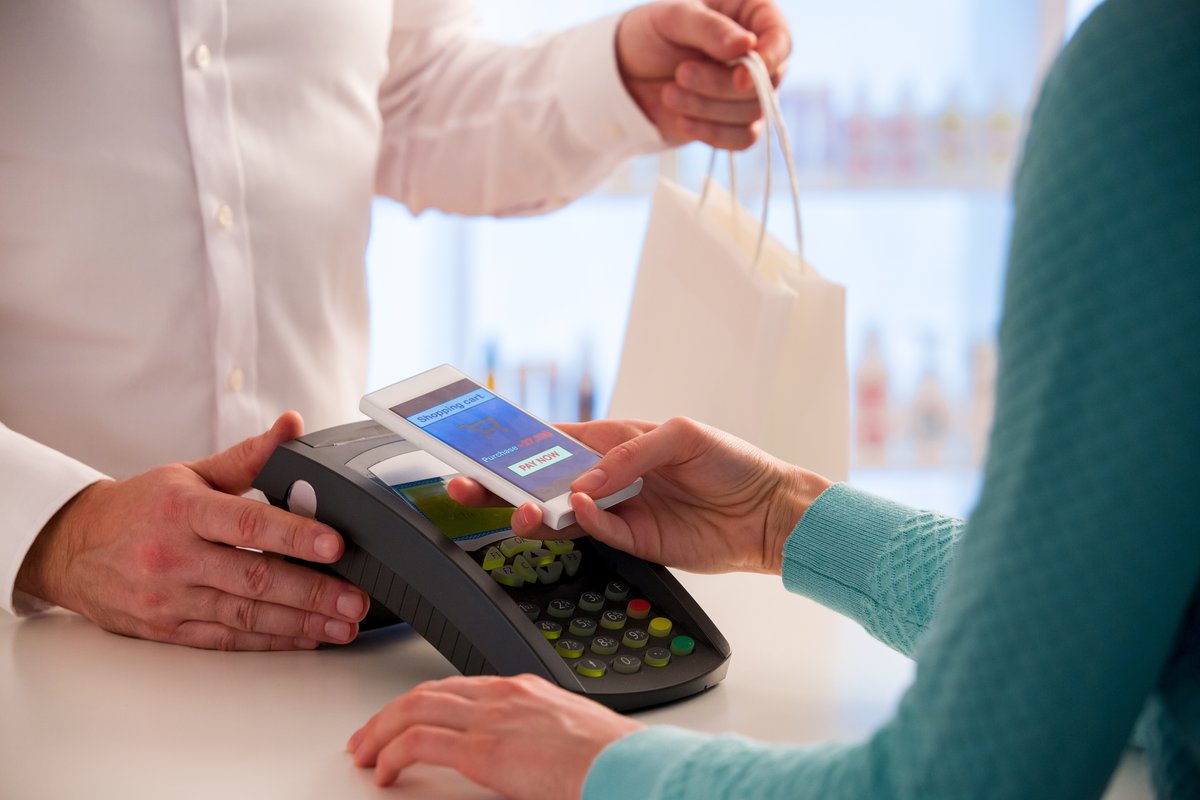
You park, walk to the meter, and see a QR code. A small sign says to scan it and pay by phone. It looks convenient, so you scan. The page that opens asks for a card number, and you are in a hurry. That is the whole scam. It does not need a hacked computer or a clever email. It needs a sticker.
QR codes are everywhere now: parking meters, restaurant menus, event tickets, product packaging, invoices, and building signs. They are useful because they are fast. They are risky for the same reason.
How a QR Code Scam Works
A QR code is a shortcut to a web address. The code itself does not tell you where it goes. It could go to the parking company's payment page. It could go to a page that looks almost identical but sends your card details somewhere else.
The common versions are simple:
- The sticker on a legitimate sign. A scammer places a small QR sticker over the real one on a parking meter, a menu, or a payment terminal.
- The fake invoice. An email or letter includes a QR code and a sense of urgency. Scanning it leads to a payment page or a login form.
- The fake delivery notice. A card on a package says to scan for tracking or a redelivery fee.
- The public Wi-Fi or menu code. A QR code in a public place leads to a page that asks for personal information or installs an app.
The common thread is a small, plausible action in a moment when you are not paying close attention.
Look at the Address Before You Type
Most phone cameras show a preview of the link before they open it. Read it. If the address is a random string, a shortened link, or a misspelled version of a company you know, stop.
A payment page should have the company's real domain and a secure connection. A page that asks for a card number, a password, or a one-time code before it shows you anything useful deserves suspicion.
If the code is on a physical sign, check whether it is a sticker placed over the original. A sticker that is crooked, peeling, or sits on top of another label is a warning sign. If the code is on a menu, ask the server whether it is the restaurant's code.
The Habits That Avoid the Trap
You do not need to stop using QR codes. You need a short pause before you act.
- Use the official app instead of the code. For parking, use the city or operator's app you already have. For a restaurant, use the menu the server gives you.
- Type the address yourself. If you know the company's website, open it directly rather than following a code.
- Do not enter passwords from a QR code link. A login page reached by a code is a common phishing setup.
- Pay with a card or a known app. If the code asks for a card number on a page that does not look right, walk away.
- Check the preview. If your phone shows the link, read it before tapping.
- Report the sticker. If a code looks tampered with, tell the business or the city. The next person may not notice.
QR Codes at Work
The same habits apply in the office. A QR code in an email, a printed invoice, or a vendor notice can lead to a fake login page or a malware download. Do not scan a code from an unexpected message just because it looks official.
If a vendor sends an invoice with a QR code and a request to pay, verify it through a known contact. If a document asks you to scan a code to “view securely,” open the document through the normal portal instead. If a code leads to a page that asks for your work email password, close it and report it.
For offices that print invoices or statements with QR codes, tell customers what to expect. A short note on the invoice that explains where the code leads makes a fake version easier to spot.
What to Do If You Scanned the Wrong Code
If you entered information on a suspicious page, act quickly. Change the password for the account you used, especially if you reused it elsewhere. Contact the card issuer if you entered payment details. Tell your IT team if it happened on a work device. Watch for unusual messages or charges in the following days.
Do not be embarrassed. These scams are designed to work in a hurry, and they work on careful people too. The important thing is to report it before the next step.
A Small Pause, a Big Difference
The QR code is not the problem. The problem is the automatic response: see code, scan code, fill form. A two-second look at the address breaks the pattern. A habit of using the official app instead of the code removes the risk for the places you visit most.
Complete Document Solutions helps Southern California businesses with cyber security and IT support, including awareness training that covers the small, everyday scams as well as the big ones. If your team would benefit from a short refresher, contact us.