

The Hidden Cost of That 'Free' Printer
September 5th, 2027
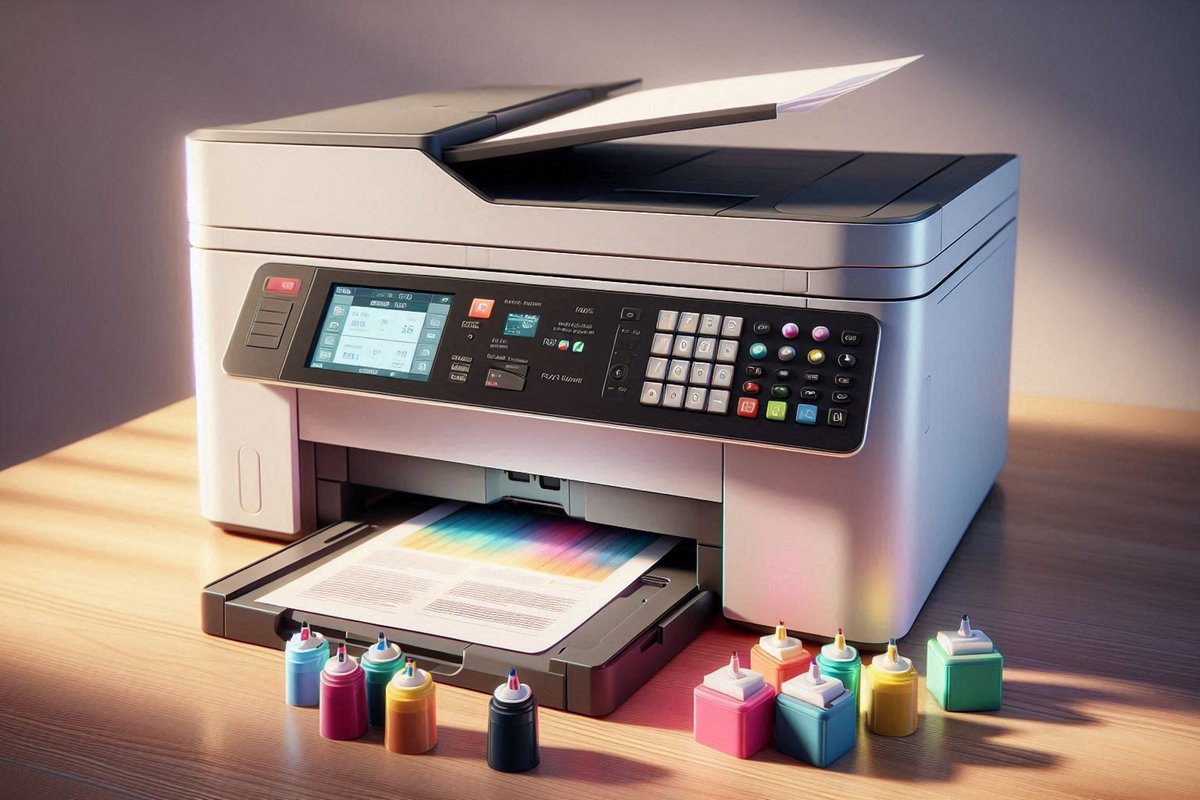
The printer was free. It came with the computer, or the lease, or the last office supply order. It sits on a desk, prints a few pages a week, and nobody thinks about it until the ink runs out. Then the cartridge costs almost as much as the printer did.
That is the business model. The printer is cheap because the supplies are not. For a household that prints occasionally, the trade-off can be fine. For an office, the cheap printer is often the most expensive one in the building.
The Price Is in the Cartridge
A low-cost printer usually comes with a starter cartridge that holds very little ink or toner. The replacement cartridge may cost a significant fraction of the printer's purchase price, and it may need to be replaced often. The cost per page can be several times higher than a workgroup printer that costs more upfront.
Color printing makes the math worse. A cheap color printer may use separate cartridges for cyan, magenta, yellow, and black, and it may consume color ink even when printing black-and-white documents. The office pays for color whether or not the page needs it.
It Is Not Built for Office Volume
A desktop printer is designed for light use. An office that prints hundreds of pages a week will wear it out faster than the warranty expects. The paper tray holds less, the output tray fills quickly, and the duty cycle is lower than the workgroup machine in the hallway.
The result is more jams, more failed pages, and more downtime. The printer may also be slower, which matters when several people share it. A cheap printer that saves a few hundred dollars and costs an hour a week in waiting is not a bargain.
The Hidden Labor
The most expensive part of a cheap printer is often the person who keeps it running. Someone has to notice the low ink, order the cartridge, install it, clear the jam, reconnect it to the network, and figure out why the driver stopped working after an update.
Those tasks are small individually. Together they add up to a real cost, especially when the person doing them is the office manager or the owner. The work is invisible on an invoice, but it is paid for in time and attention.
The Supply Closet Problem
Cheap printers multiply, and each model may need a different cartridge. The supply closet fills with half-used cartridges that fit a printer nobody remembers buying. The office orders the wrong one, returns it, and orders again.
Standardizing the fleet makes supplies simpler. A few workgroup printers with common cartridges are easier to manage than a collection of desktop models with unique supplies. The office can keep a small stock of the right cartridge instead of a box of the wrong ones.
What to Compare Instead of the Purchase Price
The right comparison is the cost per page over the life of the device, including:
- The purchase or lease cost.
- The cost of the cartridges and the yield of each cartridge.
- The paper capacity and the duty cycle.
- The cost of maintenance and repairs after the warranty ends.
- The staff time spent on supplies, jams, and troubleshooting.
- The cost of the device's replacement when it fails earlier than expected.
A workgroup printer with a higher purchase price but a lower cost per page can be cheaper within a year in a busy office. A small printer can be the right choice for a solo desk with light printing. The mistake is assuming the cheapest device is the cheapest option.
Where the Free Printer Makes Sense
There are cases where a low-cost printer is fine. A single user who prints a few pages a week, a temporary desk, or a backup printer for occasional use. Even then, check the cartridge cost and the yield before you accept the device.
For a shared office, a workgroup printer or a multifunction copier is usually the better fit. It handles more volume, uses supplies more efficiently, and gives the office one device to support instead of several.
Look at the Whole Fleet
Count every printer in the office, including the free ones. Add up the cartridges, the paper, the service calls, and the time. The total is often surprising, and it is the number that matters.
Complete Document Solutions helps Southern California businesses with desktop printers, managed print services, and printer supplies. If the office has more printers than it can keep track of, contact us and we can help you compare the real cost.