

Your Copier Is Fine. Your Office Habits Aren't.
February 5th, 2027
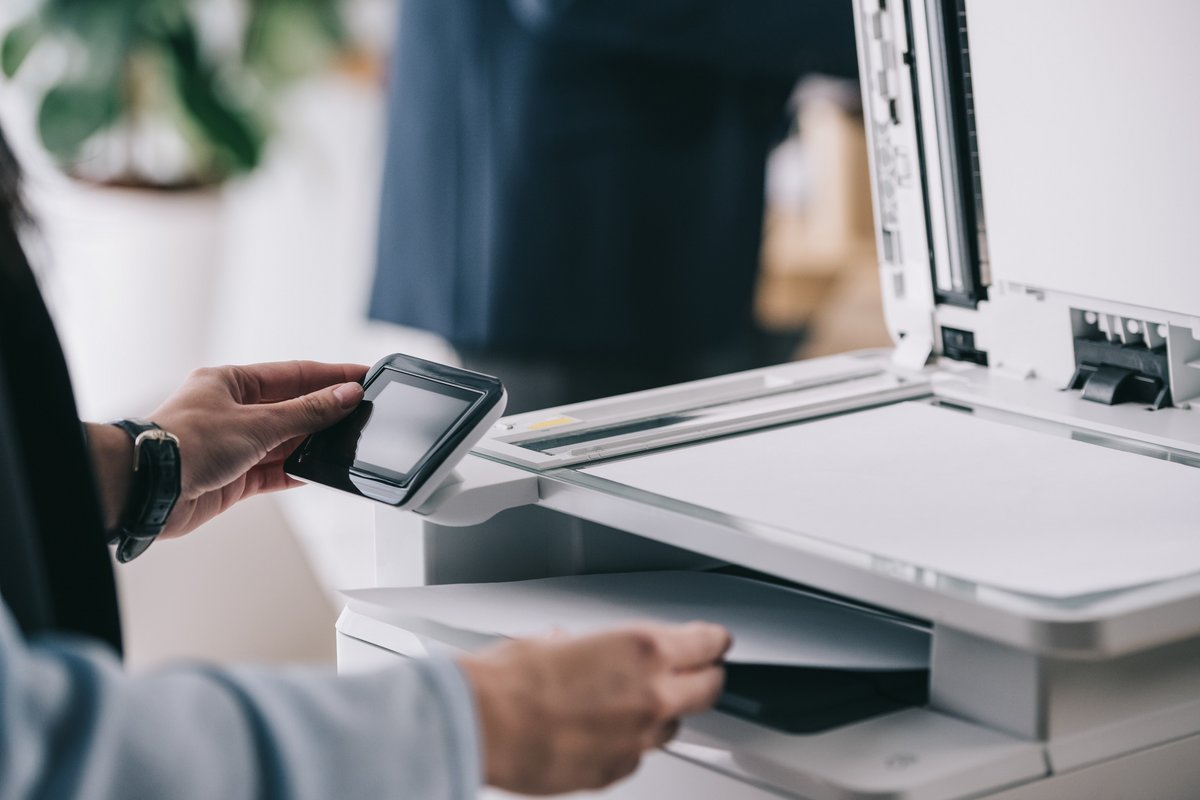
The service technician arrives, opens the front door, and listens to the complaint: the copier keeps jamming. Twenty minutes later the machine has been cleaned, tested, and declared healthy. The technician has also found a staple in the bypass tray, a sheet of labels stuck to the fuser, and a print queue full of jobs nobody picked up.
The copier is fine. The habits around it are not.
That is good news, because habits are cheaper to fix than machines. It also means the fix does not require a new lease, a new vendor, or a new piece of equipment. It requires a short conversation and a few changes to the defaults.
The Machine Is Usually Not the Problem
When an office says the copier is unreliable, the actual causes tend to repeat:
- Someone prints a job, walks away, and the pages sit in the output tray until they curl or get knocked onto the floor.
- Someone runs labels, cardstock, or checks through the wrong tray and then leaves the setting for the next person.
- Someone copies a document and leaves the original on the glass.
- Someone sends a fifty-page job to the copier and then sends it again because the first copy did not appear fast enough.
- Nobody refills the paper, so the next person forces a tray and creates a jam.
None of these are hardware failures. They are small acts of leaving a mess for someone else, and they add up to a machine that feels broken.
Habits That Quietly Cost Money
The expensive habits are the ones nobody notices because they are normal.
Printing Everything One-Sided
Duplex printing is a default, not a discipline issue. If the copier is set to single-sided, most people will print single-sided. Change the default to two-sided and the paper bill falls without anyone having to remember.
Leaving Color as the Default
A color document costs more than a black-and-white one, and many offices print internal memos, directions, and drafts in color because the machine defaults to auto. Set black-and-white as the default for everyday jobs and require a deliberate choice for color.
Printing Emails and Attachments
A surprising amount of office paper is email that was already searchable. Ask whether the printed copy has a purpose. If it is for a meeting, a shared screen or a tablet may do the same job.
Reprinting Because Nobody Checked
Before sending a large job, use the preview. Check the page range, the paper size, and whether the document is still a draft. The reprint is the expensive copy, not the first one.
Keeping Supplies in Three Places
Toner in a closet, paper in the break room, and a spare drum under someone's desk is a recipe for emergency orders and duplicate purchases. One supply cabinet, one owner, one reorder point.
Habits That Create Bad Days
Some habits do not show up on a bill. They show up when a document is lost, a job is picked up by the wrong person, or a confidential page sits in the output tray over the weekend.
- Leaving originals on the glass. The next person copies over them, or the original is simply gone.
- Using secure print only for “important” jobs. Every job is important to someone. Secure print should be the default for anything with a name, an account number, or a salary on it.
- Sharing a copier login. Department codes exist so the office can see where the pages go. One shared code defeats the purpose.
- Moving the machine. A copier is not furniture. Moving it without a plan can knock it out of alignment and void a service agreement.
Train the Humans, Not Just the Machine
A fifteen-minute session at the copier is worth more than another manual nobody reads. Show people how to:
- Send a scan to their own email instead of someone else's.
- Use the preview and page-range controls before printing.
- Choose the correct tray for labels, cardstock, and envelopes.
- Release a secure print job at the machine.
- Clear a simple paper jam without forcing the paper backward.
- Report a real problem with the error code, the tray, and what they were printing.
Put a one-page quick reference next to the machine. Keep it short enough that someone will actually look at it. And name one person as the print champion, the person who knows the machine and can answer the small questions before they become service calls.
Make the Right Habit the Easy One
People follow the path of least resistance. If two-sided printing is the default, they will print two-sided. If secure print is one extra click, they will use it for the documents that need it. If the supply cabinet is labeled and stocked, nobody will hide a spare toner cartridge under a desk.
Ask your copier provider to set the defaults with you: duplex, black-and-white for everyday jobs, a sensible sleep timeout, and secure print for sensitive documents. Then check the settings again after a few weeks, because defaults have a way of drifting back.
A Better Copier Relationship
The machine in the hallway is a tool, not a personality. When it jams, the useful question is not “what is wrong with this copier?” but “what was happening around it?” The answer is often paper, labels, a skipped step, or a job nobody collected.
Complete Document Solutions helps Southern California offices get more from the equipment they already have. Our copiers and printers team can review settings and usage, our managed print services can take over supplies and service, and our printer supplies team can set up a simpler reorder process. Contact us if the copier is fine but the office could use a tune-up.